Since 3 April 2025, when the Commercial Registry Law came into force, the commercial registration (CR) is no longer renewed. Instead, the merchant confirms the registration's data once a year on business.sa. If that confirmation does not happen within 90 days of the due date, the CR and its related services are suspended.
That change exposes a weakness in how many companies track their documents. The spreadsheet column labeled "CR expiry date" is now wrong, because the CR no longer has an expiry date in the old sense; it has an annual confirmation date. A company that has not changed how it tracks may only notice the new date once its services are suspended.
This article covers the government documents that belong to the company itself rather than its employees: what to track, who tracks it, and how to set it up in Warqa so reminders arrive with enough time to act. Employee documents follow a different chain, covered in Managing Employee Iqamas and Work Permits.
The documents a company tracks at its own level
The list varies with each company's activity and number of branches, but most companies track at least the following:
- The commercial registration and its annual data confirmation date.
- A municipal license for each site or branch.
- A civil defense license for sites that need one.
- The Zakat certificate.
- The GOSI (social insurance) certificate.
- An activity license, if the activity needs a license from a specific authority.
- Chamber of Commerce membership.
Warqa's government document types come ready with commercial registration, municipal license, Zakat certificate, civil defense license, GOSI certificate and activity license. The list can be edited or extended with whatever the company needs, such as Chamber of Commerce membership.
Commercial registration: a confirmation date, not an expiry date
The 90 days after the due date are not a grace period to plan around; they are the last limit before the CR and its related services are suspended. So treat the due date itself as the real deadline and keep the 90 days as a buffer for emergencies.
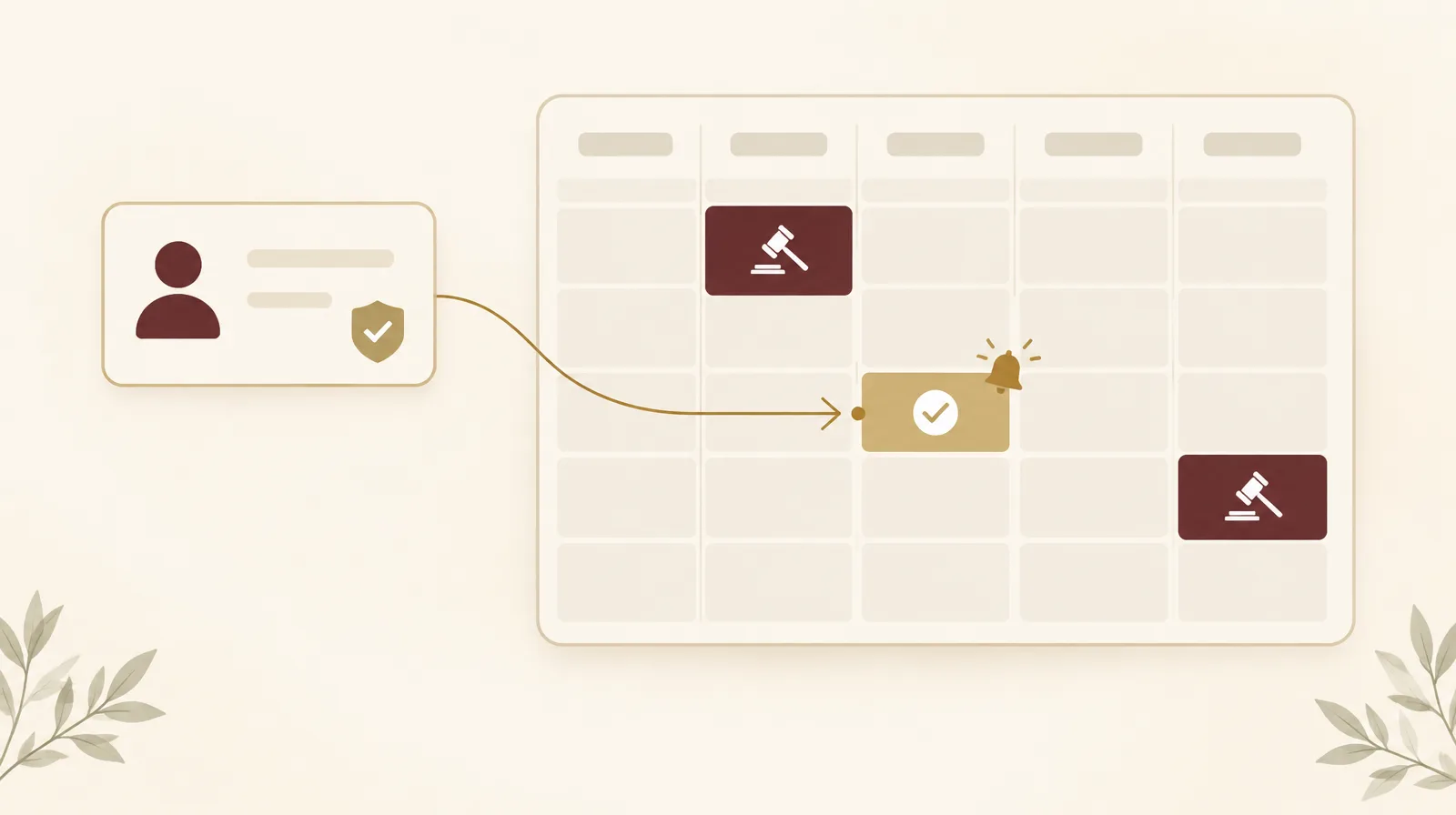
Because the CR no longer has an expiry date in the old sense, the right fit in Warqa is a custom date field called "Annual confirmation date". Warqa reminders can be set relative to any custom date field, not only the expiry date. So the CR reminder is set a suitable time before the confirmation date, for example thirty days, and after each confirmation the date moves to the following year. If a group owns more than one entity, each registration is a separate document with its own date and its own sponsor.
Municipal license: one document per branch
A municipal license is tied to a location, so there are as many as there are branches. Operating with an expired license is a violation. Under the published penalty table, the fine depends on the municipality's class, the penalty can extend to closing the site until the license is renewed, and it doubles on repeat.
This is where organizing documents by branch pays off. In Warqa you can create a folder per branch that holds the site's municipal license and civil defense license. The branch manager is the sponsor of that folder and receives its reminders, while the head of administration sponsors the main folder and sees every branch. A company with six branches tracks about twelve site licenses this way, without any of them falling between two managers.
Certificates: Zakat, GOSI and others
The Zakat certificate and the GOSI certificate each carry an expiry date printed on them. They are usually tracked by finance rather than by whoever tracks licenses, and that is a common source of gaps: each department knows only its own documents, and nobody sees the whole picture.
The answer is not to move all tracking to one person but to put it in one registry while each department stays responsible for its own documents. The certificates go into a finance folder sponsored by the finance manager, and they still appear on the same dashboard the general manager sees.
This article does not list each authority's conditions or certificate validity periods, because they differ and change. The practical rule is to record in Warqa the expiry date printed on the document itself, and to check the issuing authority's current conditions at each renewal.
The government documents dashboard
Once documents are recorded, management's daily question becomes: what needs action now? Warqa's government documents dashboard answers it on one screen by showing three things:
- Documents expiring within 30 days.
- Documents already overdue.
- The next five documents to expire.
That screen is enough for a short weekly meeting instead of asking each department in turn. When management needs detail, the expiry report exports to Excel.
Reminders and who gets them
Each document's reminder in Warqa can be set a number of days before or after the expiry date, before or after any custom date field, or on a fixed date. If a document has no reminder of its own, the system uses the default lead time set by the administrator, which is 25 days unless changed. That lead time can be extended for documents whose renewal takes longer.
Reminders go to the document's sponsors, its followers and the sponsors of the folders it sits in. Every sponsor gets a weekly digest of their items on Sunday. Reminders arrive by email and in-app, and each user can subscribe Outlook or Google Calendar to a personal iCal feed.
A document renewal can also go through an approval workflow, for example finance sign-off before recording the renewal of a license that carries fees. That keeps a record of who approved each renewal and when.
What the system does not do
Warqa does not connect to Balady, business.sa or any other government platform. The company enters document data itself, the system handles reminders and display, and the procedure itself happens on the relevant platform. So every renewal ends with one step in Warqa: record it with the renew action, along with the new date and the document image. The system uses Gregorian dates, so convert any Hijri date when entering it.
Getting started
- Collect the company's government documents from their actual sources, not from an old spreadsheet.
- Record each document's type and its expiry or confirmation date, and attach its image.
- Create a folder per branch and per department that owns documents, and name each folder's sponsor.
- Set the reminder lead time for each type according to how long its procedure takes.
- Review the government documents dashboard at the start of every week.
Company documents are part of the archive too, and finding an old certificate becomes a matter of search rather than memory once the system reads file text, as in When the Archive Becomes Searchable. What happens when these dates slip is set out in The Real Cost of a Missed Renewal.
To organize your company's government documents in Warqa, contact the team.