How Organizations Cut Meeting-Room Waste
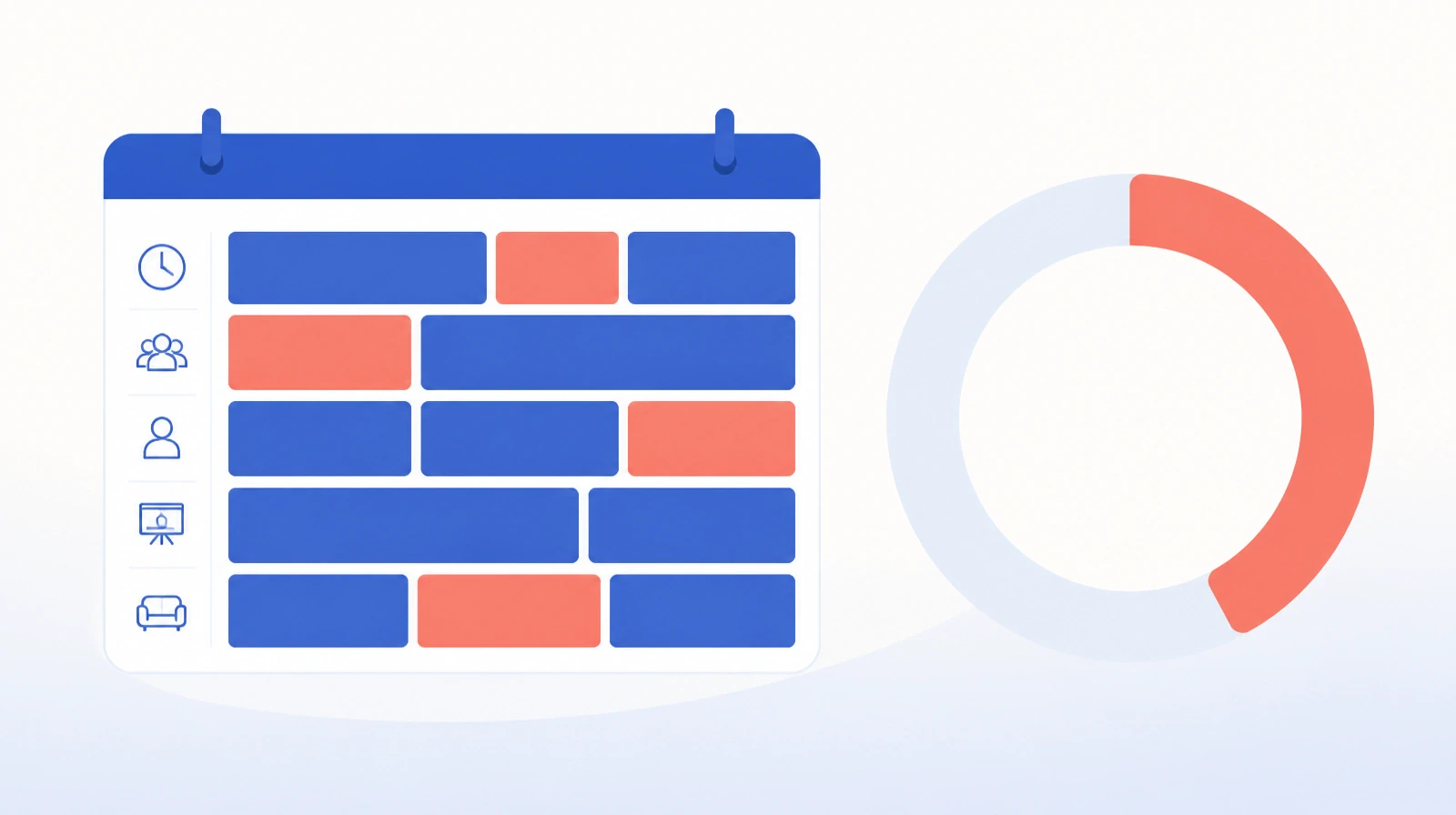
An empty meeting room looks ordinary, but it costs more than it seems. When three of five rooms are booked and nobody is inside them, the usual cause is a reservation that was never canceled. This is exactly what meeting room booking systems address: waste that many organizations overlook because it rarely appears in a formal report.
The waste that does not show up in reports
The clearest waste in meeting rooms comes from underuse, not overuse: rooms that are booked and never used. An employee reserves a large room "just in case" ten people attend, and three arrive. Another books a room for a full week for a project, then uses it for one day. The result is a schedule that looks full while rooms sit empty, and other employees cannot find space for a real meeting.
The second type of waste is conflict. Two bookings land on the same room at the same time, and both teams discover it at the door. The usual manual fix is a chain of emails that consumes administrators' time and disrupts the day's schedule. In many cases, one meeting is postponed or moved to a coffee shop outside the office, so the cost shifts from the room to working time itself.
The core problem is that booking in many organizations still runs through scattered channels: email, chat messages, or a paper log at reception. There is no single source of truth, meaning one agreed record that everyone refers to, so conflicts repeat and empty-but-booked rooms accumulate. When someone asks for a monthly utilization report, the figures clash because each source records activity differently.
What a meeting room booking system offers in practice
A good meeting room booking system is more than a calendar for reservations. It prevents conflict before it happens and shows actual use rather than recorded bookings. It starts with conflict-free smart scheduling: two bookings cannot land on the same room at the same time, so the system rejects the second request or suggests an available alternative immediately. One rule removes a whole class of problems before anyone reaches the room.
Not all rooms carry the same value. Large rooms, or rooms equipped with screens and display systems, need extra control, so their reservation goes to an approver before it is confirmed. This booking approval flow turns an equipped room from a resource claimed by habit into one assigned for a clear purpose.
At the room itself, wayfinding screens show who booked the room and for how long. The benefit has two parts. They end disputes at the door because each team can see whether the room is theirs, and they expose an unused reservation when someone passes by and sees a room booked for an hour with no one inside. That visible record turns a booking from a promise into something people can verify.
Sync with the corporate calendar is what keeps a booking active. When it appears at once in attendees' calendars, it becomes part of their working day instead of sitting in a separate system they forget to check. More mature systems go further and release the room automatically if no one checks in within minutes of the start time, returning it to the available pool without manual intervention.
The direct impact shows in actual utilization. Fewer rooms used better can ease pressure on office space without new construction. An organization that tracks this ratio week by week learns exactly where the waste goes.
Why some systems fail after installation
A room-management system fails in two situations: when it creates more effort than the problem it solves, so employees go back to booking over chat; and when it is introduced without a clear usage policy, so one department adopts it while another ignores it. The first failure is more damaging because it creates a system that appears active while the real work happens elsewhere.
The first selection criterion is simplicity. Booking should take a few clicks from the employee's own calendar, not a form spread across several pages. Every extra field requested at booking time gives people another reason to avoid the system. The second criterion is sync with the calendar the organization already uses. A system that does not connect to Outlook or the corporate calendar will stay isolated regardless of its features.
The third criterion, often missed, is detection of unused bookings. An employee may be tempted to book a room "just in case", but that behavior changes if they know the room will be released automatically after a no-show. This small mechanism shifts behavior from booking for every possibility to booking when a room is actually needed.
The practical context for mid-sized and large organizations
In organizations with a few hundred employees or more, or those spread across several floors, the question "where do we meet?" becomes a daily drain on time. An administrator who spends an hour each day resolving room conflicts loses accumulated time that can exceed the cost of a system within months, even though the issue appears in no formal report because it is scattered across messages and calls.
Hybrid work also changes what a room needs to provide. When some attendees join remotely, teams need rooms with a known setup rather than surprises at the door. A team that arrives for a hybrid meeting and finds that the booked room cannot support the shared display screen loses ten minutes looking for an alternative, and the remote part of the meeting may need to be rescheduled entirely.
One week of observation is enough to start
Start with one simple week of observation: how many rooms do you have? How many bookings are made each day? How many are canceled or end in a no-show? Those numbers alone reveal the scale of the waste. From there, you can define what you actually need: an approval flow, wayfinding screens, or calendar integration alone.
Ejtma from Renewable Systems is built for booking and managing meeting rooms with conflict-free smart scheduling. Since meeting organization is one part of a wider picture of daily operational efficiency, it also connects to other administrative issues such as asset custody and offboarding recovery, where a manual chase becomes a controlled process.
One practical next step: choose one room this week and compare its bookings with its actual use. If more than half of its reservations result in an empty room, the problem is not how many rooms you have, but how you manage them.