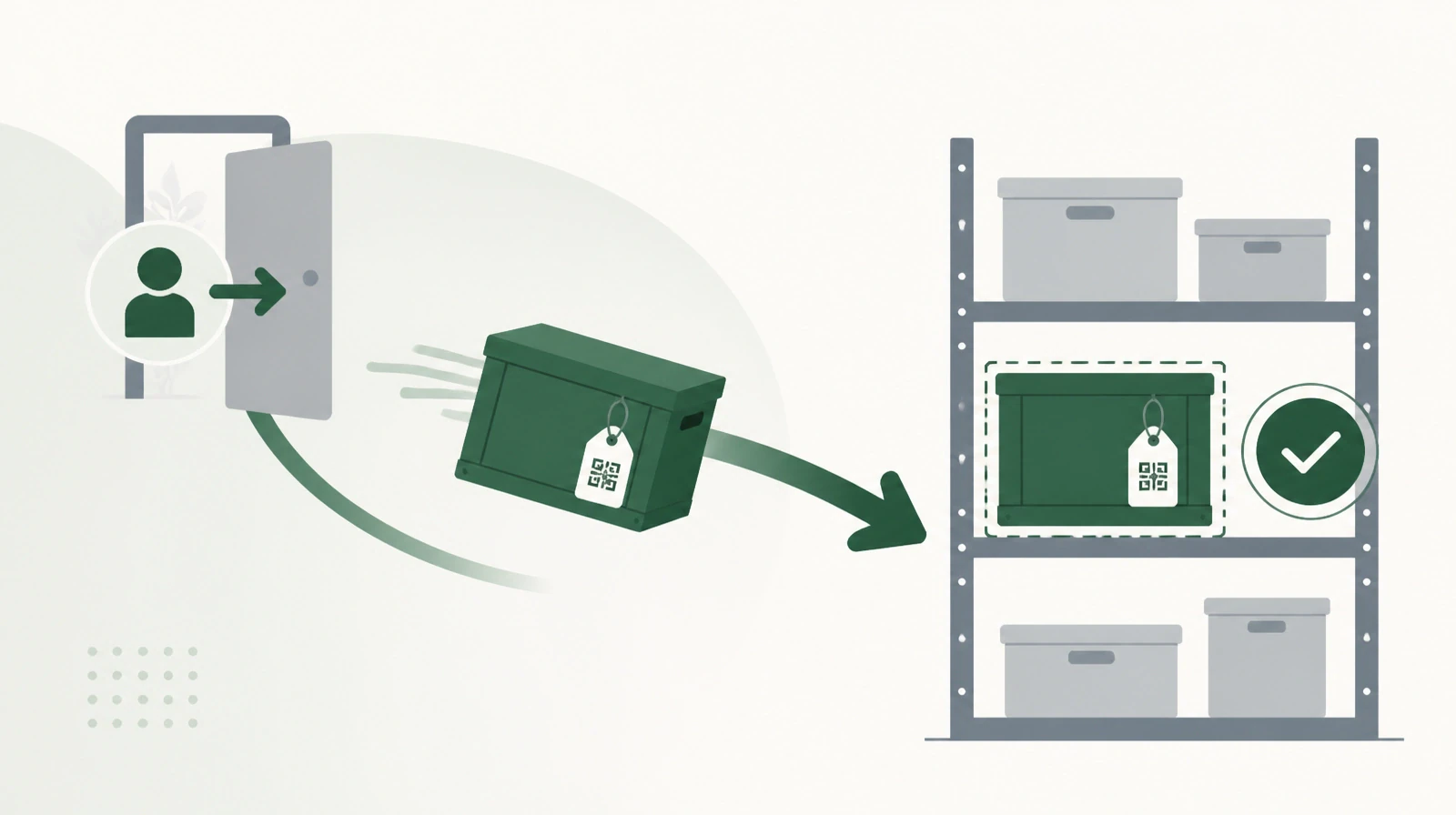
A new employee joins on Sunday. HR enters the details in its system, and IT creates an email account. A third person adds the employee to the attendance system, a fourth to the asset system so a laptop can be issued, and a fifth to the approvals system. On Thursday one permission is still missing. Two years later the employee leaves, and the account stays active in two systems nobody remembered.
Each of those five systems does its job well. The problem is the distance between them. This article covers what that distance costs, and why system integration starts with a management decision before any technical work.
What isolated systems are
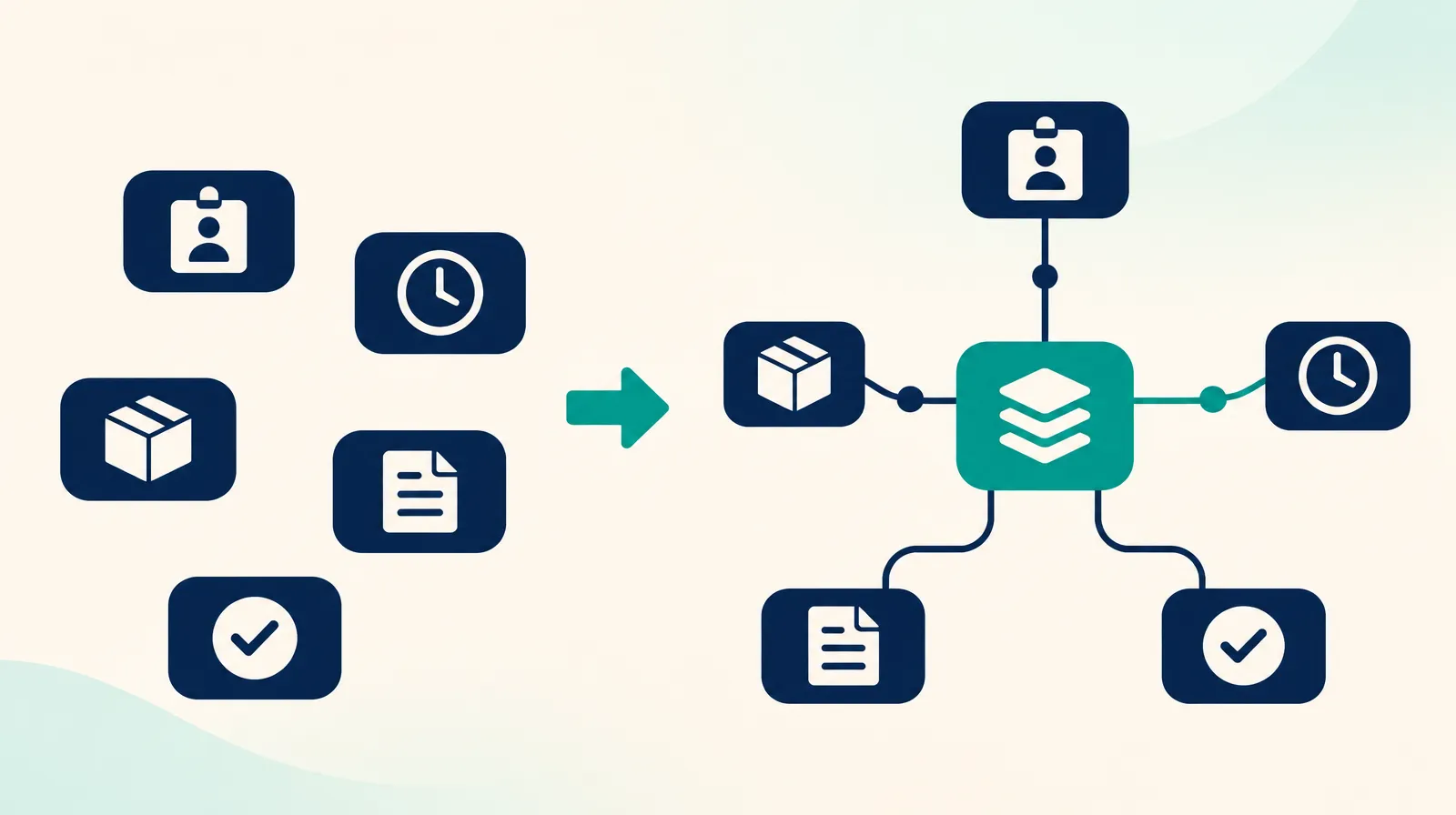
Organisations buy their systems in stages. An HR system one year, a finance system another, then systems for attendance, assets and documents. Each keeps its own copy of the shared data: employees, departments, suppliers. When the systems do not exchange that data, employees become the transport between them.
System integration connects the systems so data moves automatically. The most common means is the application programming interface (API), the way systems talk to each other with no person in between.
Where the cost shows
It shows first in repeated entry. An organisation that hires five people a month and enters each one in five systems performs twenty-five entries a month. The same happens at every promotion, transfer and departure.
It shows in reports that disagree. The chief executive asks for the headcount and gets one number from HR and another from finance. The difference is two people who left and are still in the payroll system. A meeting called to discuss the hiring plan spends half its time reconciling two numbers.
It shows in changes that arrive late. A manager moves to another department and remains in the approval route for two weeks. Requests from the old team reach the manager, and requests from the new team reach someone else.
The most serious place it shows is departures. An account that stays active after its owner has left is a security gap, and nobody finds it until someone uses it.
A system of record for each kind of data
The first decision in an integration project is a management one. Every kind of data needs one system where it is edited and which the other systems read. That system is the system of record. Employee data usually belongs to the HR system, and the organisation structure to the same system or to the organisation's user directory.
The decision sounds obvious, and it is the hardest part of the project. Every department is used to editing data in its own system and considers its copy the correct one. Our team has built software since 2003, and most of the projects we have seen stall did so here: the connection work began before the system owners agreed on who owns each piece of data.
Four forms of connection
The plainest form is file exchange. The first system exports a file every night and the second imports it. The form is old, it is enough for many cases, and it suits systems that have no API.
The second form is a query over an API. The attendance system asks the HR system for the employee list when it needs it and receives the latest copy.
The third form is immediate notification. The system of record tells the other systems about each change as it happens. This suits data where a delay causes an error, such as disabling the account of an employee who has left.
The fourth form is single sign-on, where an employee enters every system with one organisational account. No data moves between systems, but disabling that one account closes every door.
Newer does not decide the choice. Real-time sync costs more to build and to monitor, and a daily update is enough for most administrative data.
Permissions: ask for the least that works
Every connection gives one system permissions over another. The wider the permission, the harder it is for information security to approve, and the larger the damage if it is misused.
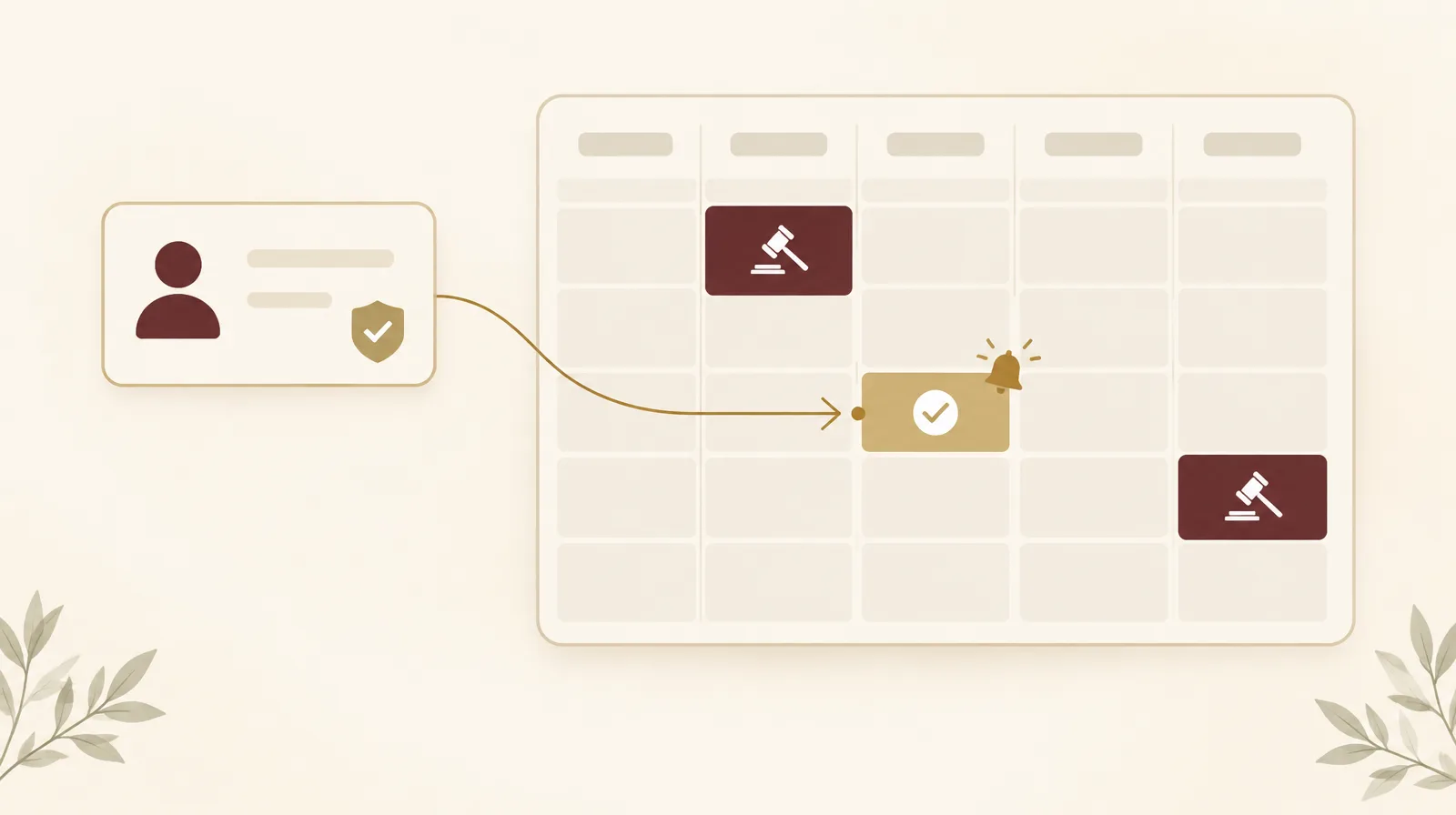
An example from our team's work connecting a meeting room booking system to Outlook calendars. Two-way sync looks like the complete option, but it needs permission to read every calendar in the organisation. Most organisations declined to grant that and chose one-way sync: what is booked in the system appears in the calendar. That option delivers most of the benefit with a far narrower permission, and it is where we start today in Ejtma.
The rule we take from it: define what the user needs, then ask for the narrowest permission that delivers it.
What happens after go-live
An integration is not delivered and then forgotten. The connected systems change with every update, the credentials one system uses to reach another expire, and a field gets renamed on one side. When that happens the connection stops silently, and nobody notices until an employee asks why an account never arrived.
Each integration therefore needs a log of what moved and what failed, an alert that reaches a named person on failure, and automatic retry for passing faults. It also needs an owner known by name. A connection nobody owns breaks, and employees go back to manual entry without telling anyone.
When a connection is not worth its cost
Two systems do not always need connecting. If the shared data changes once a month and one employee enters it in minutes, manual entry is cheaper than building and monitoring an integration. A connection earns its cost when repetition is high, or when an error has a price: a salary paid to someone who left, or an active account with no owner.
Where to start
List the organisation's systems, and next to each one the data it shares with others. Employee data and the organisation structure usually appear in the most systems, and they make the best start. Choose their system of record, connect one system to it, and watch that connection for a month before adding the second.
Renewable Systems provides a system integration service for organisations at this stage, covering API connections and Office 365 integration. If one of your systems is cloud-hosted, operational reliability in enterprise SaaS sets out what to ask the vendor before connecting. The case study custom web and Flutter delivery shows how the team runs a custom project from requirements to delivery.